
How to Use Cheat Engine Tables
A step-by-step guide on how to use Cheat Engine tables (.ct files) in your games.
How to Use Cheat Engine Tables (.ct files)
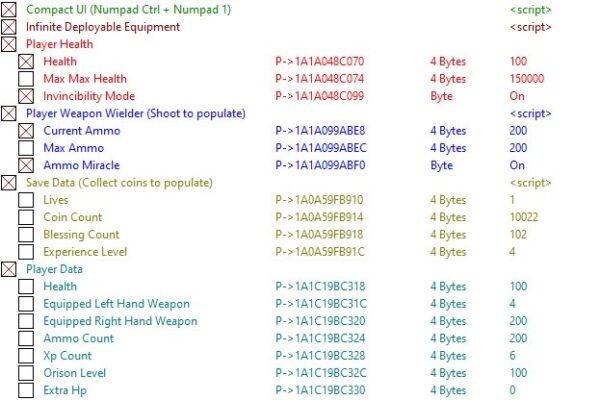
To use Cheat Engine tables (.ct files), follow these steps:
- Download Cheat Engine: If you don't have it, download it from the official website.
- Download the .ct file: Get the table file from MehTrainer.com or another source.
- Run Cheat Engine.
- Run the game.
- Copy the .ct file into Cheat Engine's folder, or press
CTRL+Oin Cheat Engine and select the file from its location. - Switch to Cheat Engine using ALT+TAB, then select your game from the process list.
- When prompted, confirm loading the associated cheat table by clicking "Yes."
- Activate the cheats:
- If there are scripts, check them.
- If there are pointers, change their values by double-clicking and freeze them by activating their assigned checkboxes.
- Switch back to the game using ALT+TAB and start playing.